
Advertisements
In a world full of commitments, tasks, and deadlines, having an organized calendar is essential to maintaining productivity and avoiding stress.
Fortunately, calendar management apps are here to simplify our lives.
Advertisements
These tools not only help you manage meetings and appointments, but also allow you to plan projects, set reminders, and sync your activities across all your devices.
Advertisements
From basic features like adding events to advanced options like task integration and custom notifications, calendar apps are a practical solution for any lifestyle.
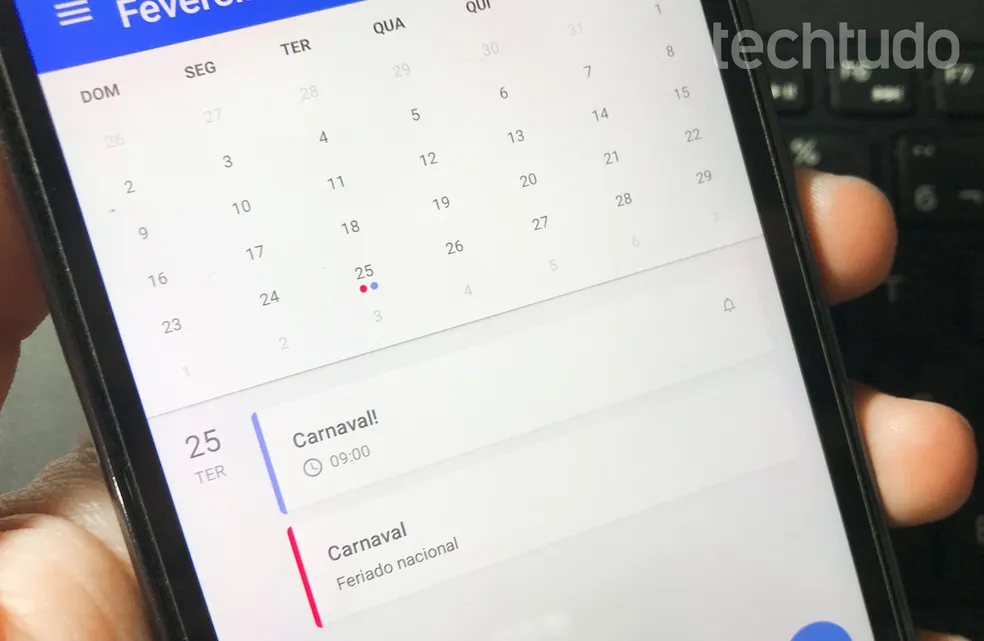
App to organize your calendar
If you're ready to take control of your time, here are the best apps to organize your calendar and maximize your productivity.
1. Google Calendar
Google Calendar is one of the most popular calendar organization tools thanks to its simplicity and functionality. It allows you to add events and reminders quickly and easily, and it automatically syncs with your Google account so you can access your calendar from any device.
Additionally, Google Calendar allows you to create multiple calendars to separate your personal, work, and family commitments. Its integration with Gmail makes it easy to add meetings and events directly from your email, and its personalized notifications ensure you never forget an important appointment.
2. Microsoft Outlook Calendar
The Microsoft Outlook calendar is perfect for those looking for a comprehensive tool that combines email and time management. It's ideal for the workplace, allowing you to easily schedule meetings, share schedules, and coordinate teams.
The calendar also offers options for setting recurring events, adding notes, and syncing with other apps like Microsoft Teams. Plus, its intuitive and professional design makes it a reliable choice for those who need to keep everything organized.
3. Apple Calendar
Apple Calendar is the preferred choice for Apple device users. With a clean and easy-to-use interface, this calendar automatically syncs with iCloud, allowing you to access your events from your iPhone, iPad, or Mac.
The calendar offers features such as creating location-based events, setting custom alerts, and integration with other Apple apps. You can also share calendars with family or colleagues, making it easier to plan activities together.
4. Calendar.com
Calendar.com is a modern tool that combines advanced calendar features with productivity analytics. It allows you to schedule meetings efficiently, sending availability links to your contacts so they can select the time that best suits them.
The app also offers statistics on how you use your time, helping you identify areas where you can be more efficient. It's an ideal option for professionals looking to optimize their schedule and improve their time management.
5. Fantastical
Fantastical is a calendar app for those who value design and functionality. Its most notable feature is natural language recognition, allowing you to add events simply by typing phrases like "Dinner with friends on Friday at 8 pm."
Plus, Fantastical integrates your calendars, tasks, and reminders into one place, offering a complete view of your day. It also includes customizable widgets and support for multiple time zones, making it ideal for people with international schedules.
6. TimeTree
TimeTree focuses on collaboration, allowing you to share calendars with family, friends, or colleagues. It's ideal for coordinating schedules, planning group projects, or managing family activities.
The app also includes features like event commenting and the ability to add notes and photos, making planning more interactive. Its intuitive design and focus on communication make it a great choice for teams and groups.
7. Any.do Calendar
Any.do Calendar combines task management and calendar organization in a single app. It lets you view your events and tasks in a single timeline, ensuring you don't forget anything important.
The app also offers smart reminders, integration with other tools like Google Calendar, and daily planning features that help you prioritize your activities. It's perfect for those looking for simplicity without sacrificing functionality.
8. DigiCal
DigiCal is a highly customizable calendar app that lets you choose from several views, including day, week, month, and agenda. Its attractive and easy-to-use design makes it ideal for those looking for a visually pleasing calendar.
The app also includes an advanced search feature, Google Calendar integration, and customizable widgets for quick access to your events from your device's home screen.
9. Cozi Family Organizer
Cozi is perfect for busy families who need to keep everything under control. It allows you to create a shared calendar where each member can add their activities, setting different colors for each one.
The app also includes to-do and shopping lists, making family management much easier. Cozi is a great option for keeping everyone organized and on the same page.
10. Jorte Calendar
Jorte combines functionality and style, allowing you to customize your calendar with themes, backgrounds, and widgets. In addition to basic calendar features, Jorte offers the option to sync with other services such as Google Calendar and Evernote.
The app also includes a built-in journal, allowing you to record your activities and thoughts along with your events. It's ideal for those looking for a more personal and creative calendar experience.
Conclusion
An organized calendar can transform your routine and increase your productivity. This


 Spanish
  English
  French
  Italian
  Greek
Greek  Romanian
  Arabic
  Bulgarian
  Turkish
  German
  Portuguese
  Hindi
Hindi  Thai
Thai  Japanese
  Korean